
Any web browser
Laptop · Desktop · Tablet · Phone
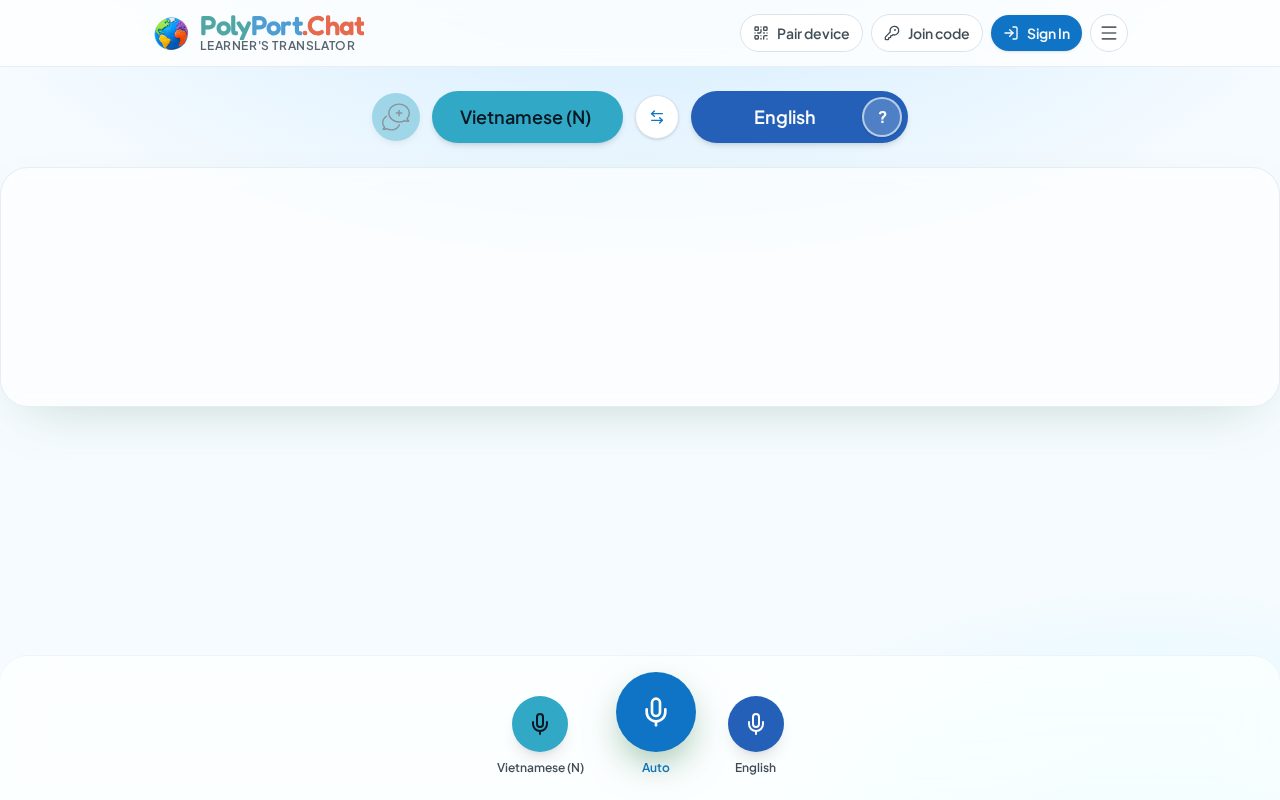
Open polyport.chat in Safari, Chrome, Edge or Firefox on Mac, Windows, Linux or a Chromebook. Nothing to install — great for a quick conversation, or for the other person when you pair by QR code.

Use PolyPort.Chat in any web browser, or install the app on your iPhone or Android phone. Your account, contacts and vocabulary follow you everywhere.
Laptop · Desktop · Tablet · Phone
Native app · App Store
 Coming soon
Native app · Android
 Coming soon
Both do the translating. The app adds the things a phone does best.
| Feature | App (iPhone & Android) | Web browser |
|---|---|---|
| Live translation, messenger, learning tools, currency converter | ||
| Pair with a QR code | ||
| Notification when a contact knocks | Yes, even when the app is closed | Only while the page is open |
| Microphone permission | Asked once | The browser may ask again on each visit |
| Icon on your home screen, full screen | ||
| Nothing to install |
Use case
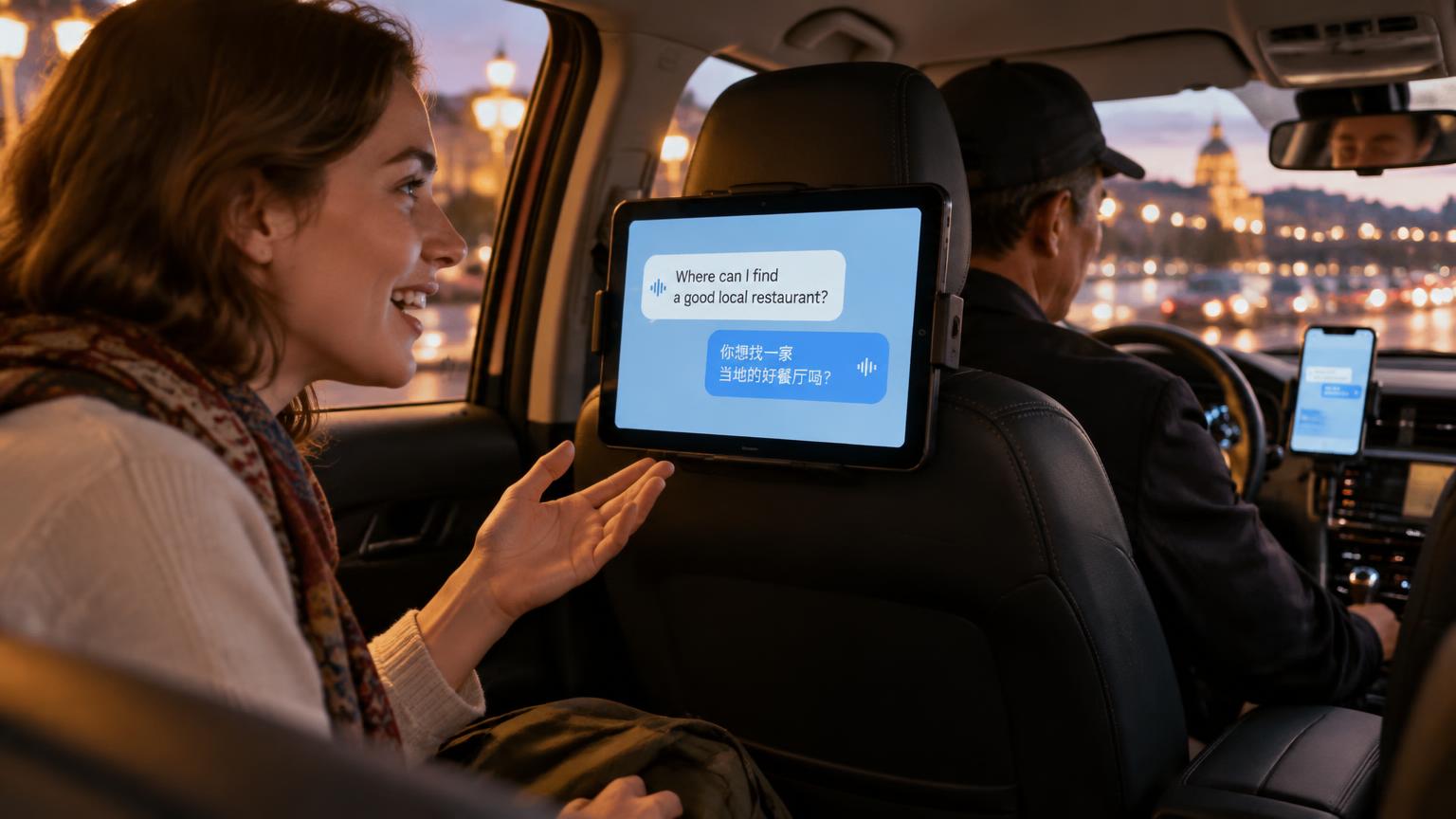
The driver has PolyPort on their phone in the dashboard holder. A tablet on the back of the front seat runs PolyPort for passengers. The two are paired, so the passenger speaks to the tablet and the driver hears and reads it in their own language — and the reply comes straight back. No passing a phone around, and eyes stay on the road.

Use case
Two paired tablets sit back to back on one stand at the front desk — one facing the guest, one facing the staff. Guests speak in their own language and the staff hear and read it in theirs — check-in, directions, a restaurant tip. Staff can also pair the desk tablet with a guest's phone by QR code, so the conversation carries on anywhere in the hotel.
An iPhone can pair with an Android phone or a laptop browser. The other person doesn't need the app — they just scan your QR code.